
Create another workspace
Use one workspace per business.
In Salescom: Workspace switcher (top left)
Each workspace is one business, with its own inboxes, team, catalog and Rachel.
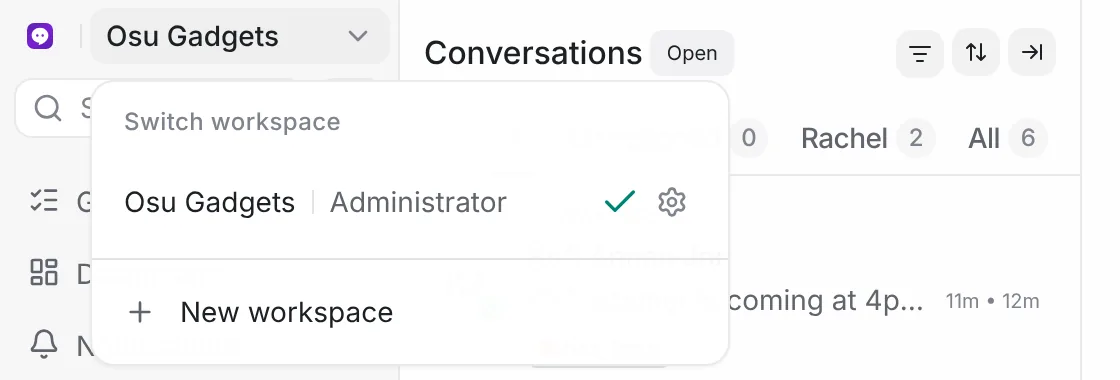
- To switch workspace, open the switcher at the top left.
- To create one, open the switcher and press New workspace.
Run a second shop? Give it its own workspace, so Rachel doesn't mix up the two catalogs.