
Your profile
Change your name, photo, signature, language and how Salescom looks for you.
In Salescom: Profile menu (bottom left) > Profile settings
Open the menu with your name at the bottom left and press Profile settings. These settings only change things for you, not for your team.
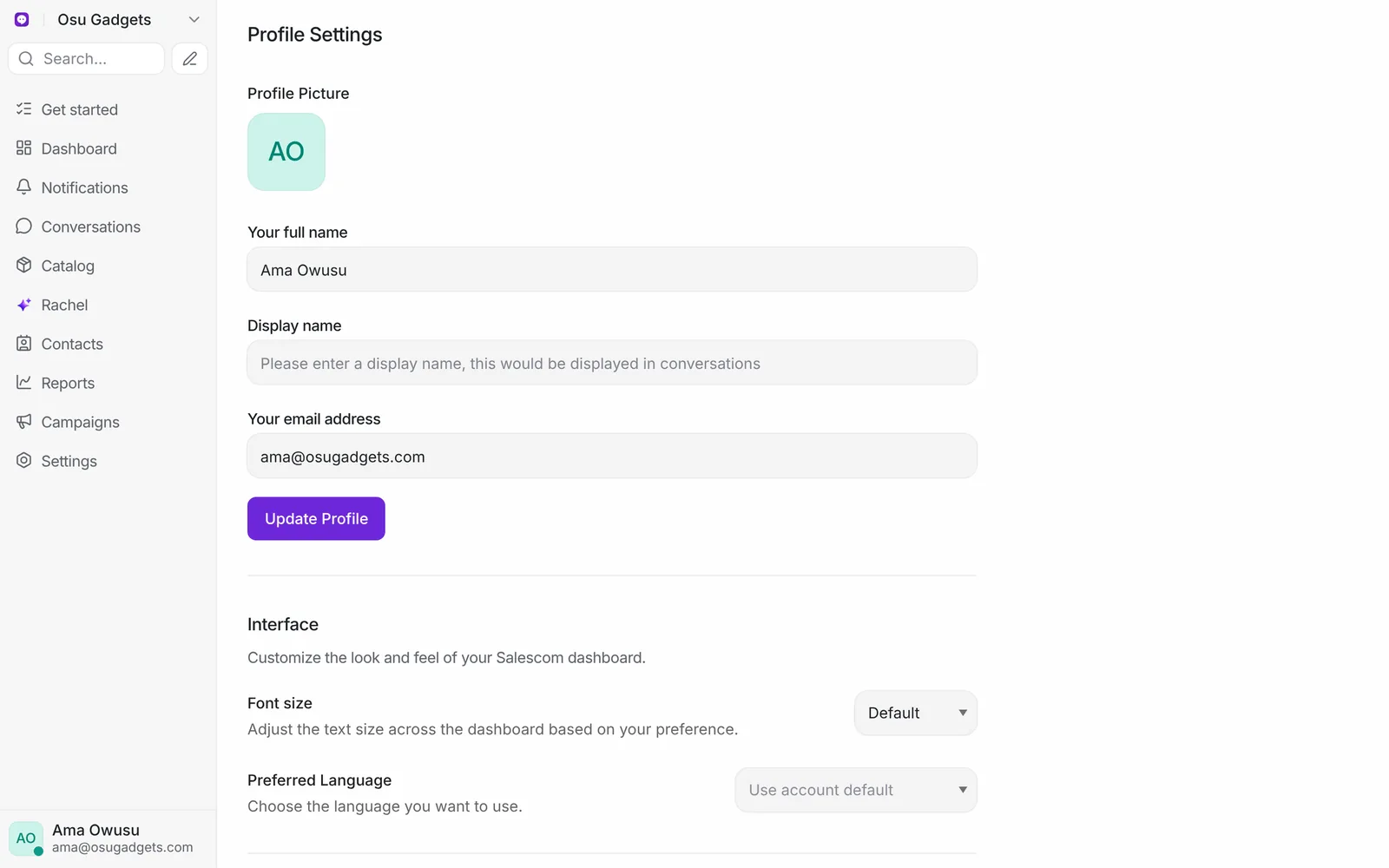
- Profile: your name, the display name customers see, and your photo. Your email address is what you sign in with.
- Personal message signature: added to the end of every message you send. It can include an image on website chat and email.
- Hotkey to send messages: send with Enter, or with Cmd/Ctrl + Enter if you like writing on several lines.
- Interface: text size and language.
- Audio Alerts and Notification preferences: which alerts you get, and how. See Notifications.
To switch between light and dark mode, open the same menu and press Change appearance.