
After a salesperson replies
Decide whether Rachel steps back or keeps helping once your team joins the chat.
In Salescom: Rachel > Settings > Handing chats to your team
Open Rachel > Settings and find Handing chats to your team. Pick what Rachel does after a salesperson replies in a chat:
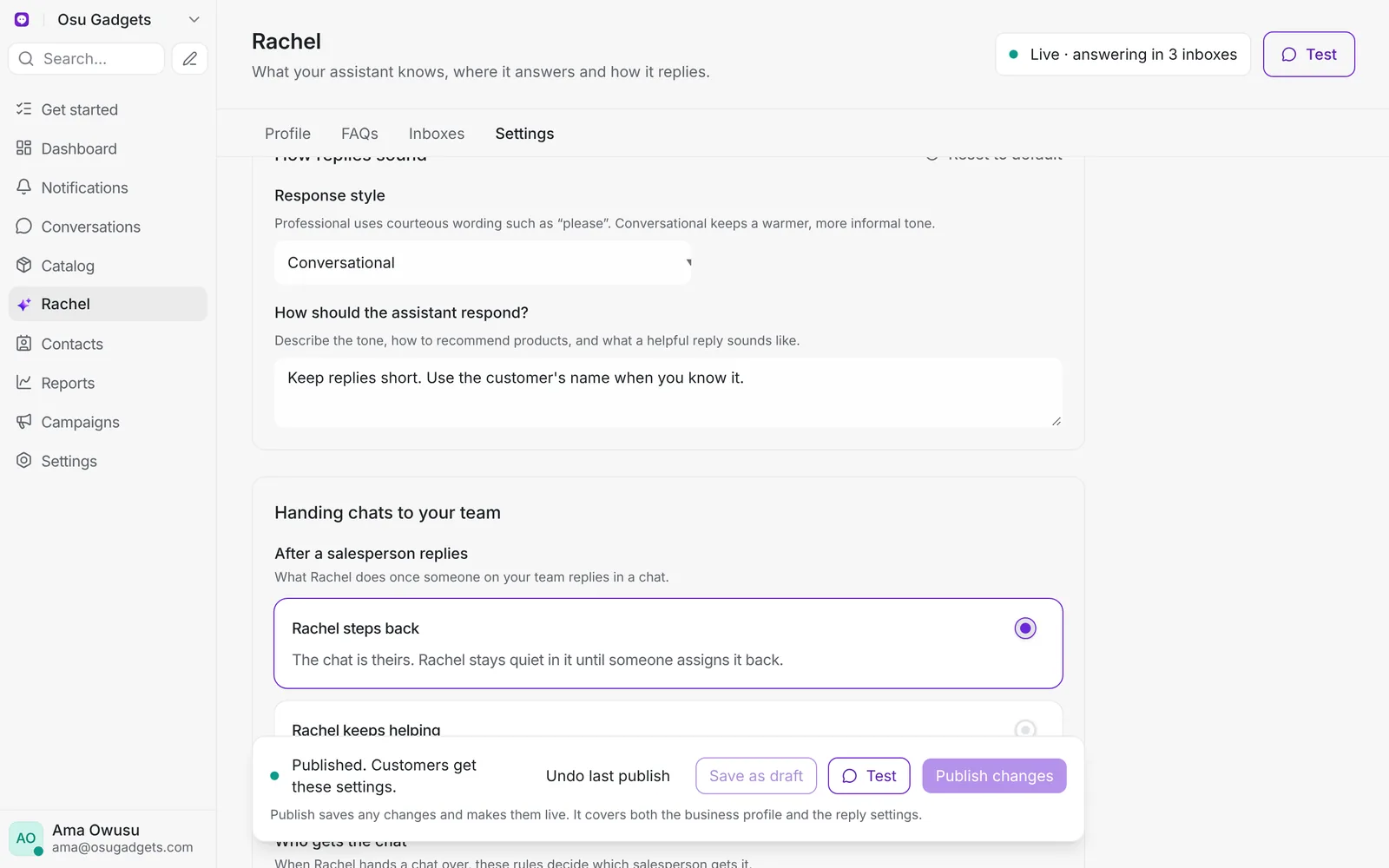
- Steps back: the chat is the salesperson's. Rachel stops replying.
- Keeps helping: Rachel can still answer while the salesperson stays assigned. It waits 10 minutes after each of their messages before replying, and leaves price talk to them.
The same section links to your chat assignment rules, which decide who gets the chat. See Share chats evenly.