
Fix a channel that stopped working
What to check when an inbox stops getting messages or can't be connected.
In Salescom: Inboxes
The inbox says "Your inbox is disconnected"
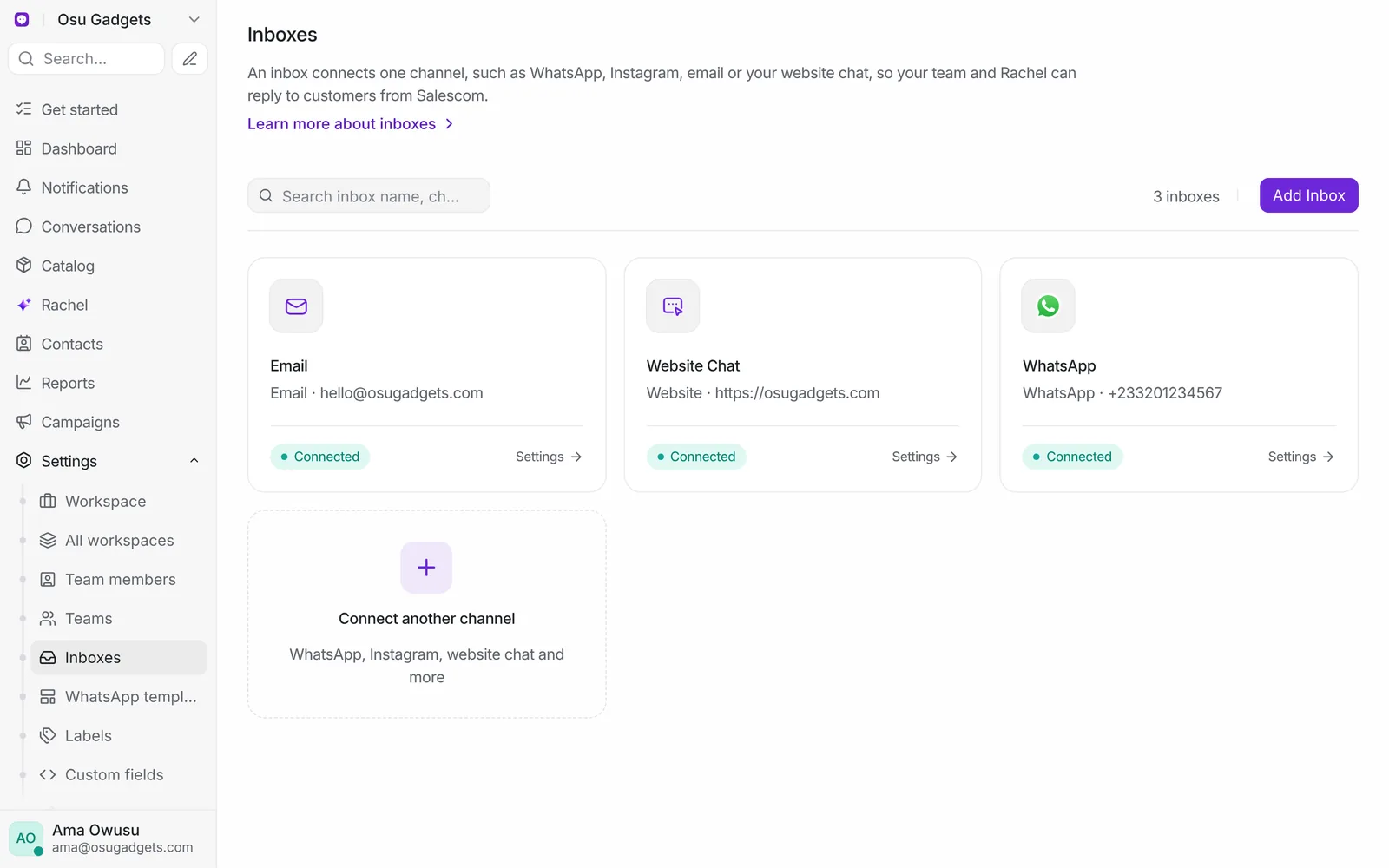
Instagram, Facebook, WhatsApp, TikTok, Google and Microsoft sometimes sign Salescom out, for example after a password change or a long quiet spell. Open the inbox in Inboxes in the sidebar and press Reauthorize, then sign in again. Messages sent while it was disconnected may not come through.
A channel is greyed out in Add inbox
It isn't switched on for Salescom yet. Contact support and say which channel you need.
Messages aren't coming in
- Send a test message from a different account than the one you connected.
- Check the inbox isn't showing a disconnected banner.
- Check you're a collaborator on the inbox. Team members only see chats in inboxes they belong to. See Choose who sees an inbox.
- Check your filters in Conversations. Chats Rachel is handling or that are pending may be under a different tab.
Rachel isn't answering in a new inbox
New inboxes are connected to Rachel straight away. If Rachel stays quiet, see Rachel isn't replying.
Still stuck
Contact support with the inbox name, the channel and the exact error message you see.